Your booking calendar.
The whole stay, in view.
See occupied dates and gaps for every apartment on one timeline. Switch between timeline, calendar and list without losing your place.
Plan your stays Open app
Your booking calendar, guest details, deposits and property preparation, together. Manage your holiday rentals from one app, on your desktop and phone.
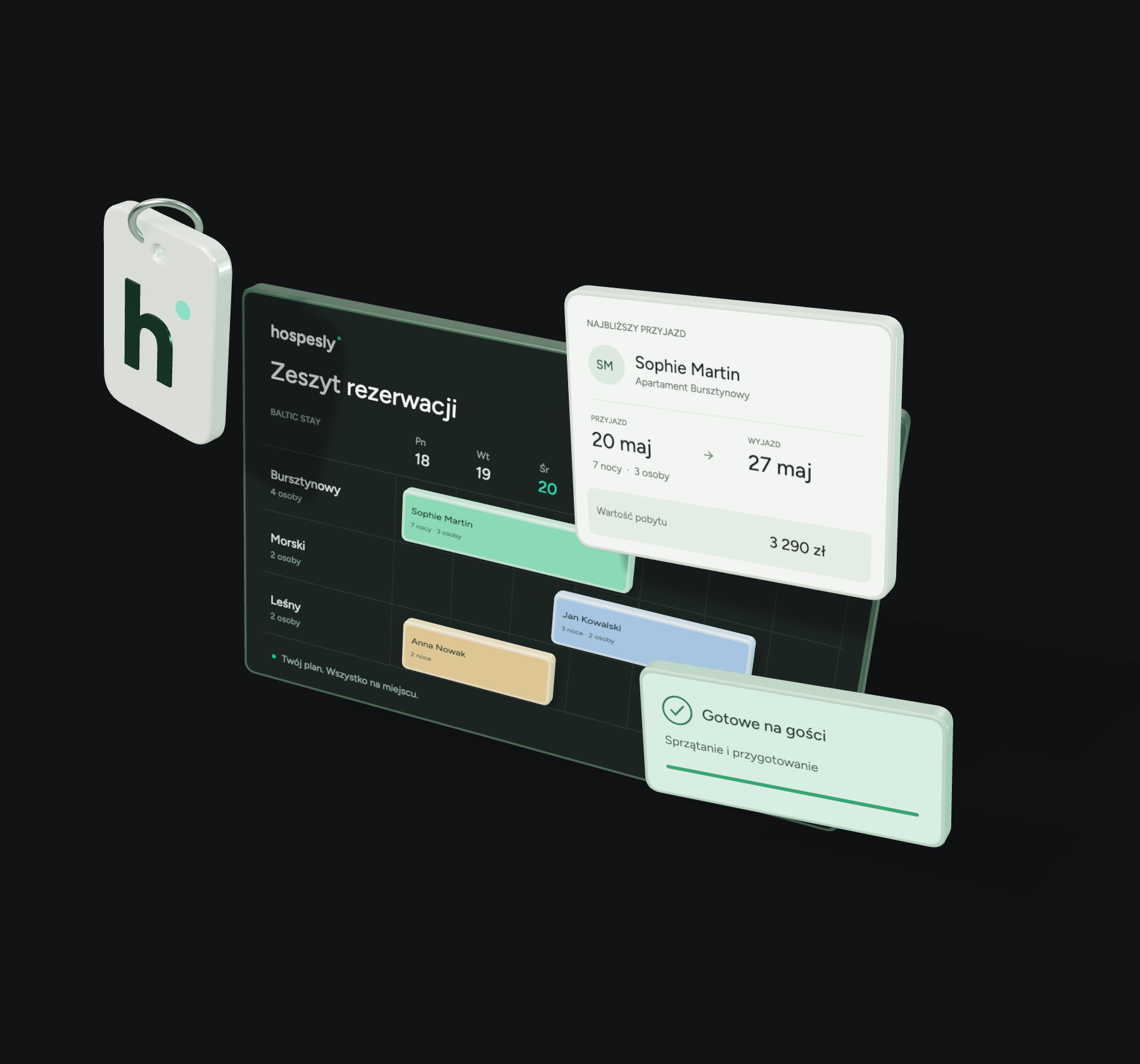
Dates, deposits and a room ready for arrival. Every detail connected to the right stay.
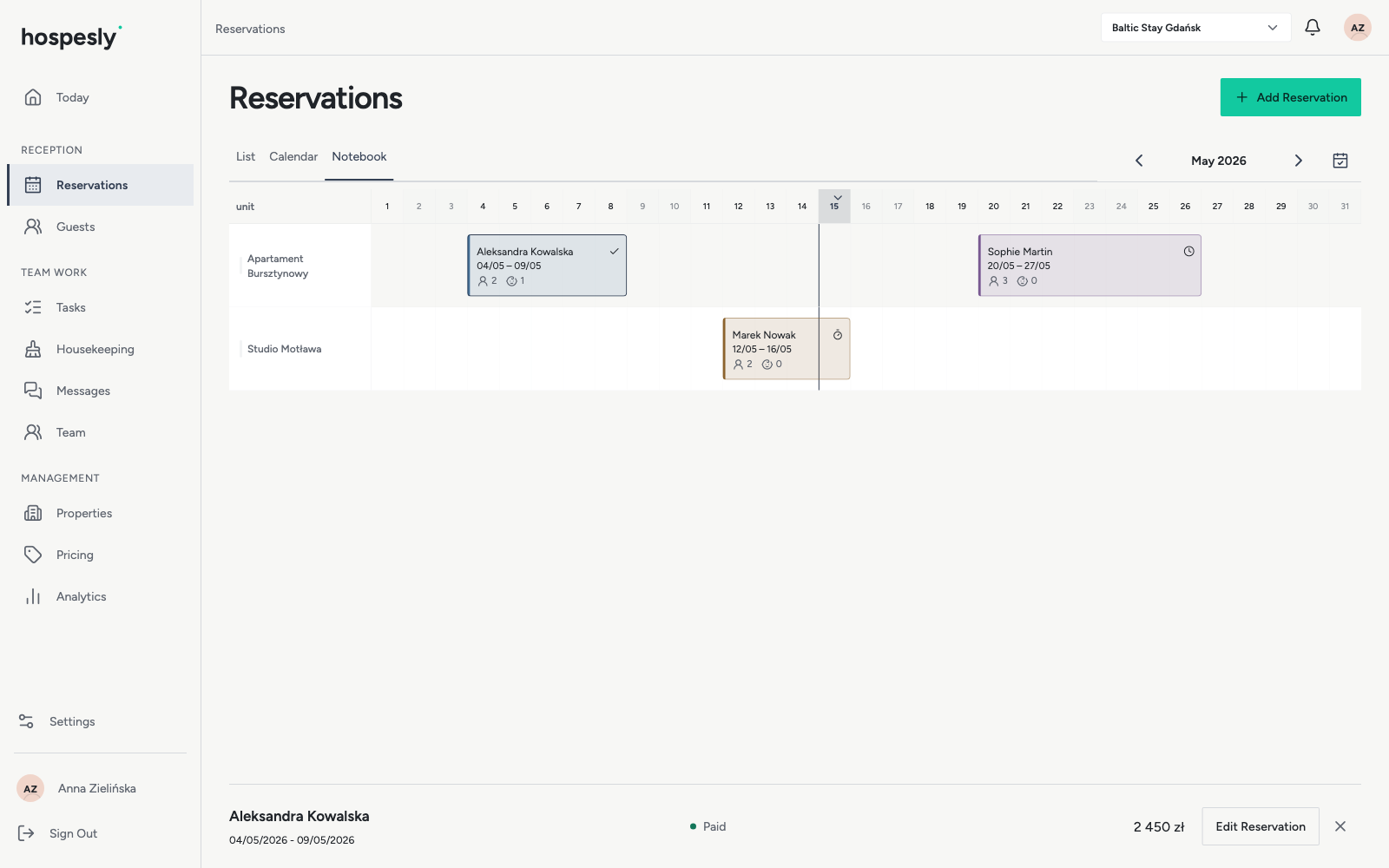
See occupied dates and gaps for every apartment on one timeline. Switch between timeline, calendar and list without losing your place.
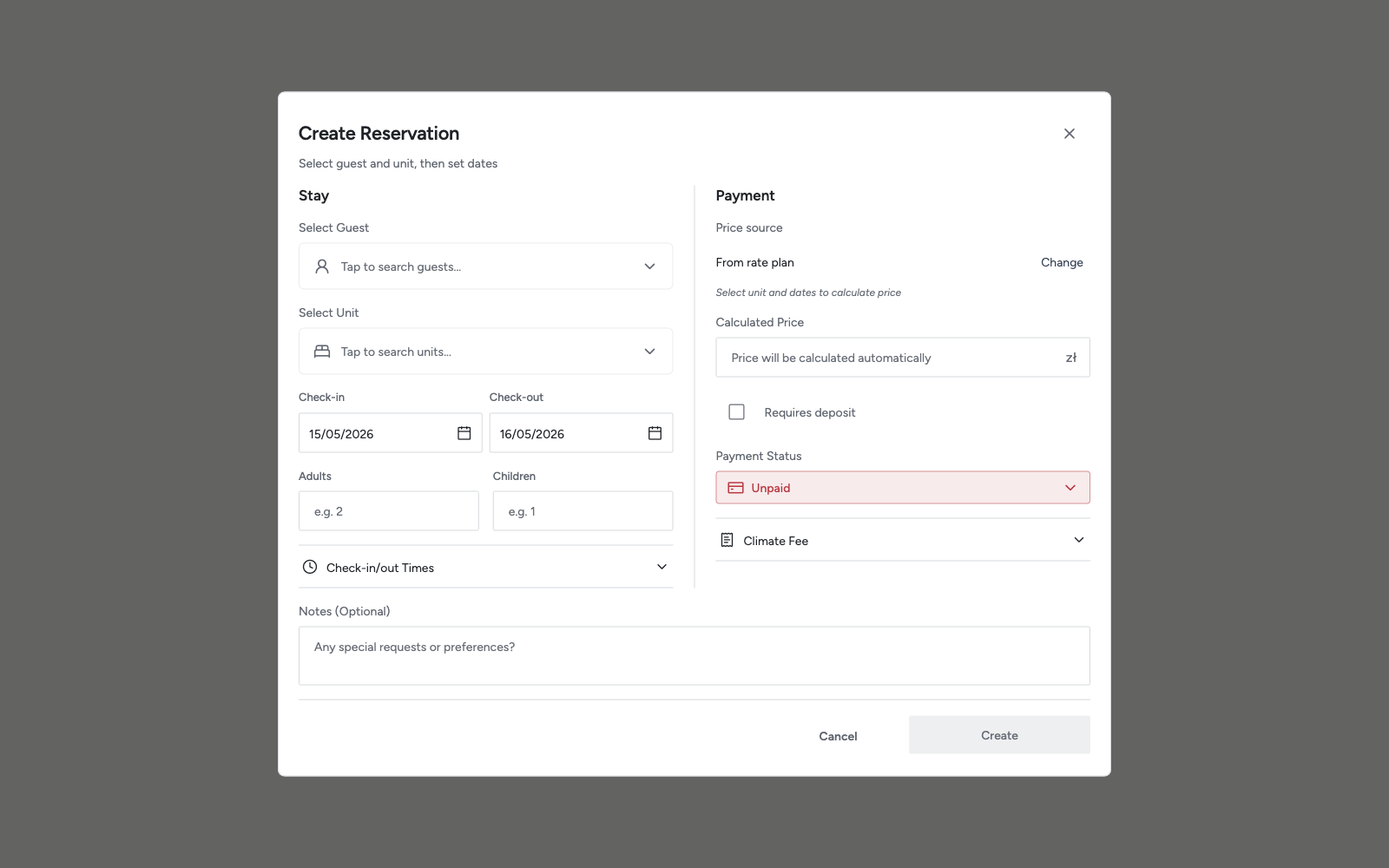
Plan your staysKeep the agreed price, deposit, payment status and local tax with each reservation. Use seasonal rates or enter a price for an individual stay.
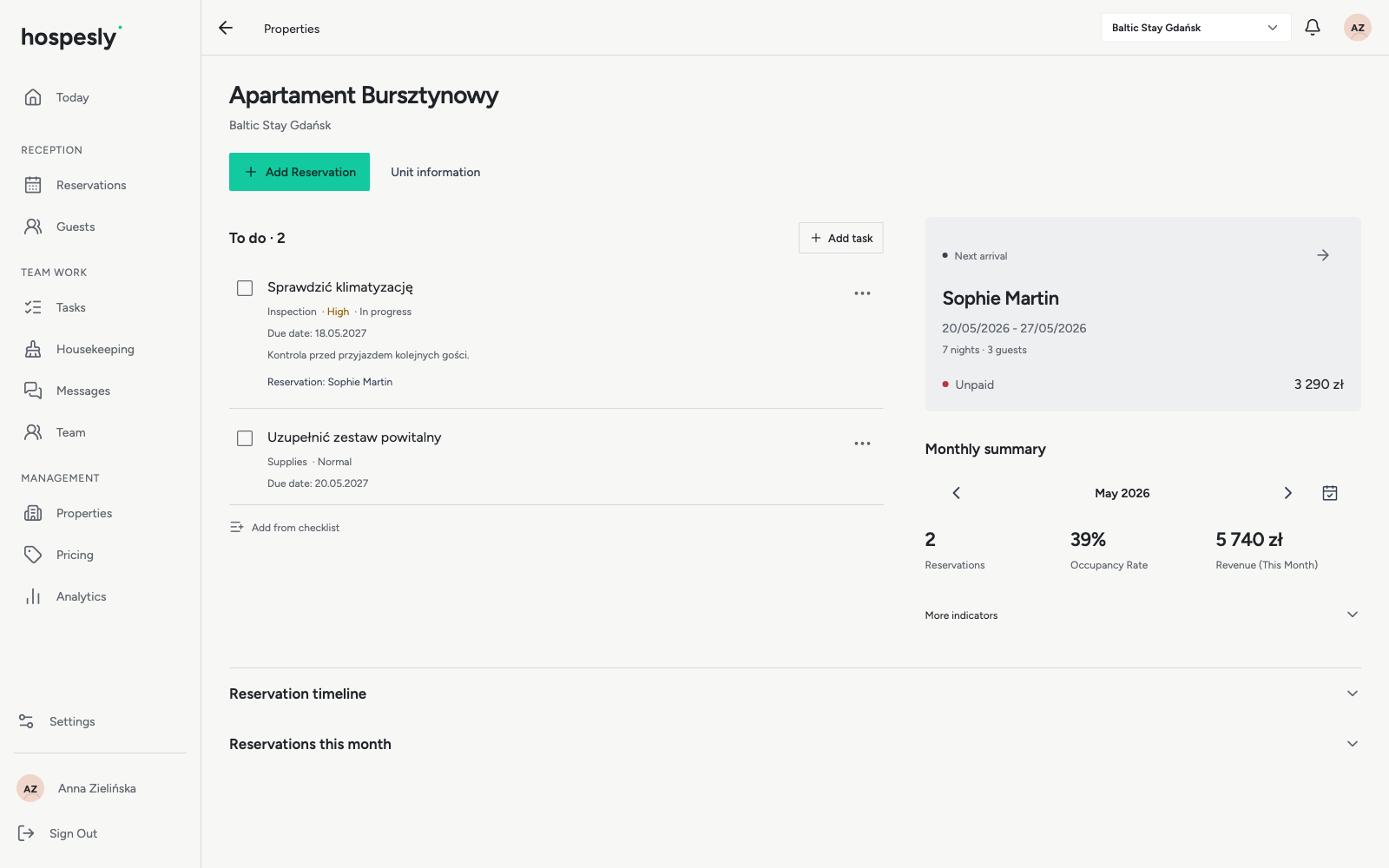
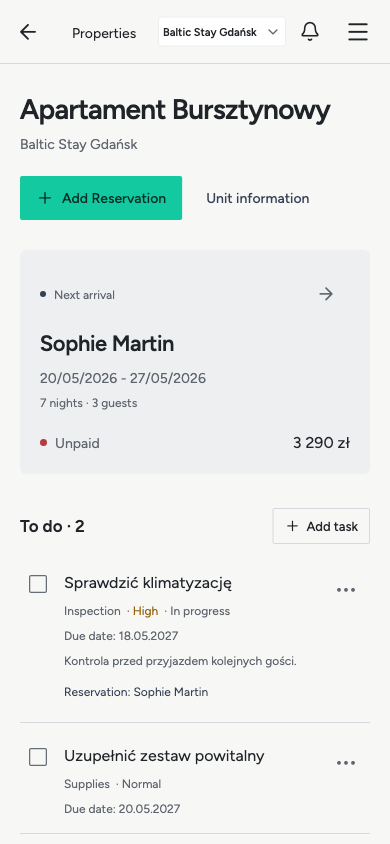
See payment recordsCleaning and tasks connected to a unit or stay. See priorities, deadlines and what still needs doing before your guests arrive.
Prepare your propertyPlan the month at your desk. Check the next arrival on the go. Open your browser and get to work, with no app installation required.
Open in your browser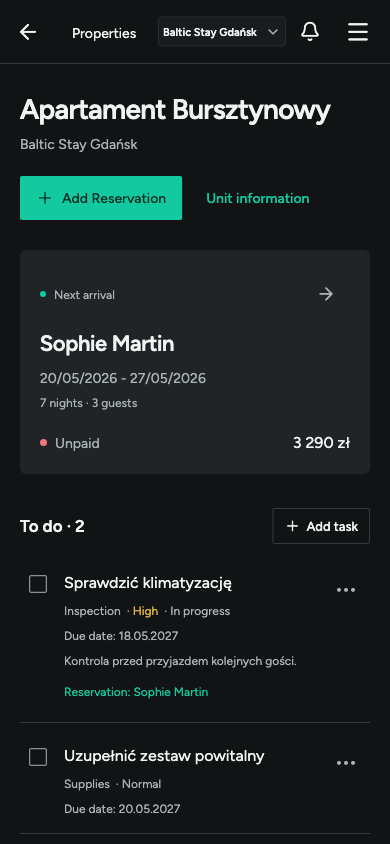
Each address has its own guests, dates and work to do. Bring them together in one vacation rental management app.
Longer stays and busy changeover days can hide useful gaps. The timeline shows availability for each cabin throughout the month.
Take a booking, check guest details and prepare the room. Keep contact information, arrangements and tasks close at hand.
Hospesly keeps information where you look for it: with the guest, the reservation and the property.
Contact details and previous stays in one place. Pick up where you left off when a guest books again.
Occupancy, reservation revenue and monthly summaries give you a view beyond the next check-in.
Seasonal rates, individual prices, deposit records and clear currency labels. The payment details stay with the booking.
Task priorities, deadlines and unit readiness help you start with the work that matters for the next arrival.
Your property’s booking page shows free dates and an estimated price. Guests send a request and you accept it with one click. Embed the page in your own website too.
The confirmation, arrival instructions and a thank-you after the stay are written from the booking. Send them from your own e-mail, SMS or WhatsApp.
Hospesly is vacation rental management software for owners of apartments, cabins and guest rooms. It brings together a booking calendar and timeline, guest records, rates, deposits and property preparation tasks to support everyday hosting.
Add a reservation with its dates and assigned apartment, cabin or room. The timeline shows occupied dates and availability. The same stays are also available in calendar and list views.
Yes. Add several properties, then create apartments, rooms or cabins as units within each one. Switch properties to focus on the place you are managing.
Hospesly exchanges blocked dates through iCal calendars. Connect a unit’s calendar to the corresponding listing. This is not a full channel manager: iCal does not sync rates, messages or complete guest details. Updates are delayed and cannot eliminate the risk of double bookings.
Open Hospesly in a browser on your computer, tablet or phone. The Open app button takes you to the login screen, where you can also create an account.
Adding and editing reservations requires an internet connection. When offline, the app may show previously cached data in read-only mode. This is not full offline operation and cached information may be out of date.
No. You record a deposit amount and payment status to keep track of your arrangements with the guest. Recording a payment does not charge a card or initiate a bank transfer.
Sign in, add your property and create its units, such as apartments or rooms. Then enter a guest, stay dates and booking details. The stay appears in the list, calendar and timeline.
Open the app. Add your apartments, cabins or rooms.
Enter your first guest and their stay dates.