
Booking calendar
See every stay. Find the space between.
A guest calls about next weekend. You need an answer, not another spreadsheet. Hospesly puts every unit and its reservations on one timeline, so you can see the dates that fit.
Open Hospesly ↗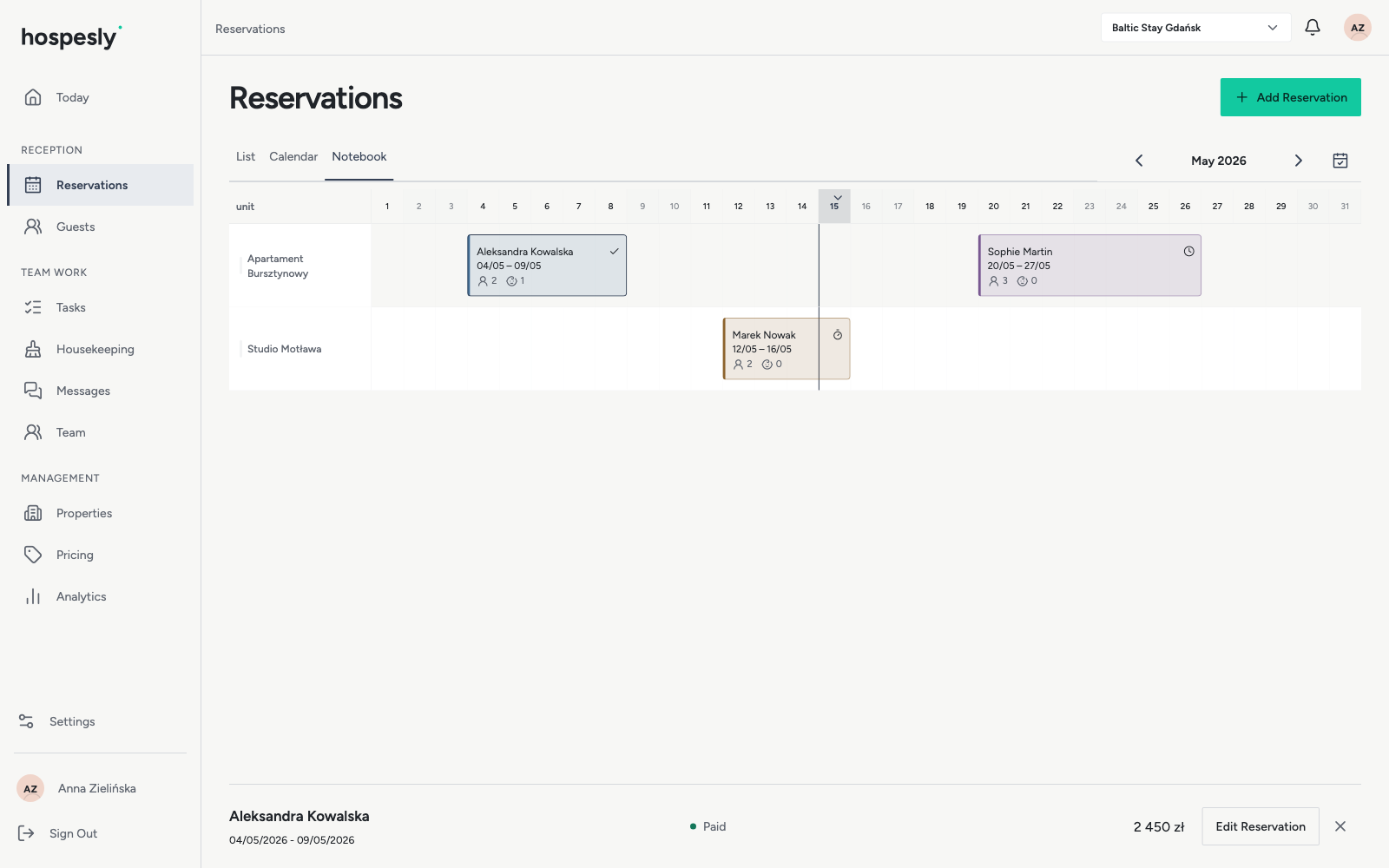
One set of bookings. Three ways to work.
Use the timeline to compare units and spot gaps between stays. Switch to the calendar for a date-focused view, or use the reservation list to review individual bookings. These are different views of the same records: you do not have to enter a stay three times.
The details belong with the stay.
Open a reservation to check its guest, arrival and departure, agreed price, deposit and payment status. Colour coding helps distinguish reservations on the timeline. Keep changes in the booking itself so you can return to the details when a guest calls.
Separate properties without separate spreadsheets.
Create a property, add its apartments, cabins or rooms, then enter the first reservations. Switch between properties to focus on the right location. On a phone, you can look up a stay while away from your desk; on desktop, use the wider timeline to plan the month.
Connect availability through iCal.
Import and export blocked dates for supported Airbnb and Booking.com calendars. Map each feed to the correct unit and review synchronization status. iCal updates are delayed: this is not real-time inventory management and it cannot guarantee protection against double bookings. Rates, messages and complete guest records are not synchronized.
From first booking to the next arrival.
Add your property and units, enter guest details and stay dates, then record the agreed price and any deposit. Review availability in the timeline and use housekeeping tasks to prepare for the next arrival. Recording a deposit does not collect a payment.
Questions, answered.
Is this a direct booking widget?
No. This calendar is your internal workspace for managing reservations. It does not take online payments or automatically turn your website into a booking engine.
Can I use it for cabin rentals?
Yes. Add each cabin as a unit within a property and review their reservations together.
Does it replace a channel manager?
No. iCal shares blocked dates with delays. It does not provide full rate, inventory and messaging synchronization.